How To Send a Check
Last updated: January 9, 2026
Meow Technologies is a financial technology company, not a bank or FDIC-insured depository institution. Banking services are provided by Grasshopper Bank, N.A.
Before you can send checks, you need to apply for check issuing:
Log in and navigate to the Checking tab
Select "Move Money" and choose the "Mail a Check" option on the payment page to apply
Wait for approval (you'll be notified when it's ready - you may need to refresh your browser)
Once approved, you can follow the steps below to send checks.
Steps to send a check
To send a check, click "move money" from the Business Checking tab and select "Send money" and input the recipients name.
When you get to the "How are you paying?" page, select "Mail a Check"
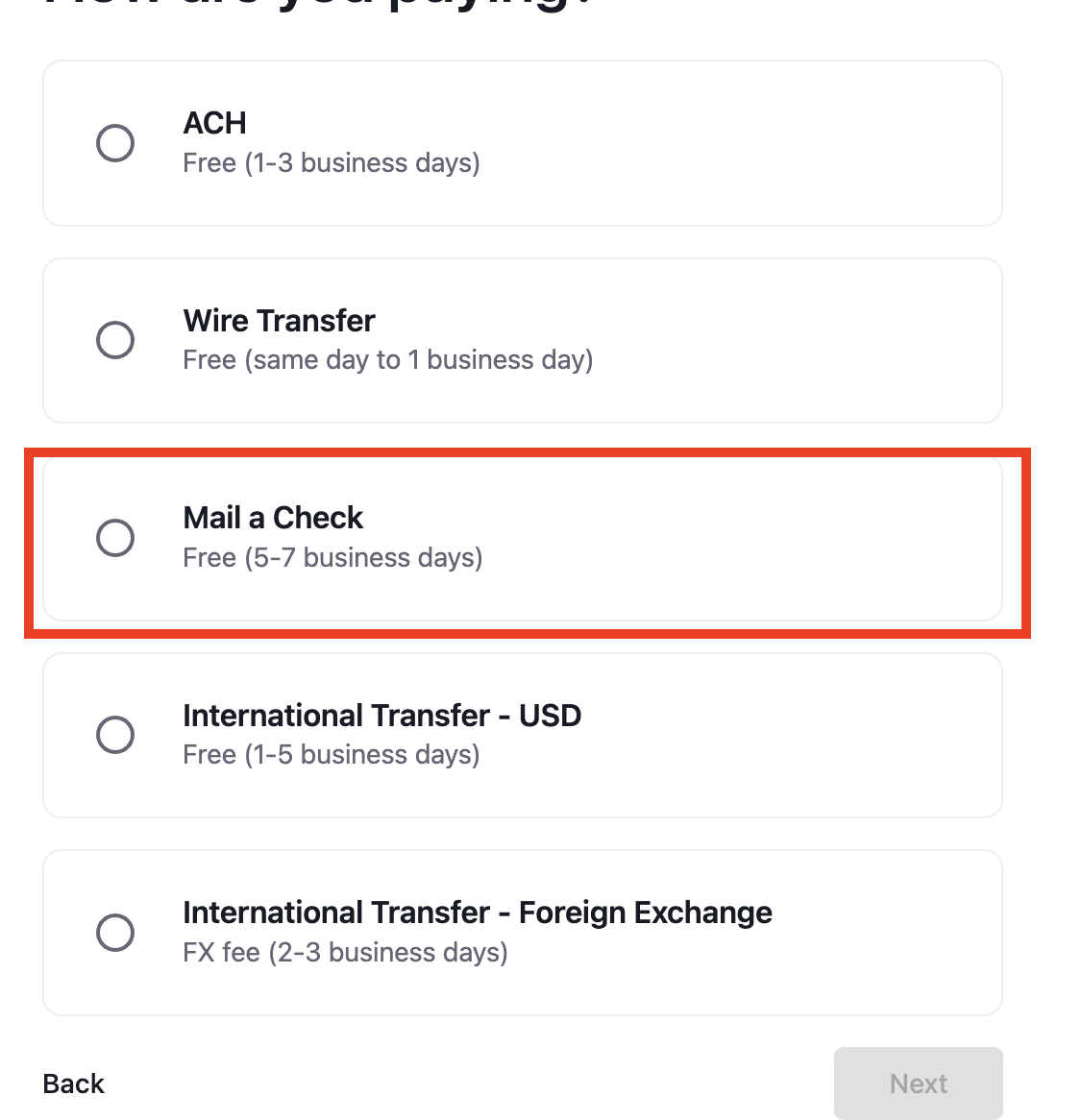
Once a check is requested, it will automatically be mailed to the requested address. Checks are usually received within five business days.
To view the status of your check, click on the transaction from the Meow dashboard here: https://app.meow.com/cash. Once the check has been deposited by the recipient, the status will change to "settled."
FAQ
Can I order a checkbook?
No, we do not support checkbooks at this time
Can I use a checkbook ordered from another provider like Quickbooks?
No, checks written from checkbooks ordered by an external provider will not be honored
Where can I send a mailed check from Meow?
We support mailing checks to U.S domestic addresses, you will not be able to mail checks outside of the country
Can I request a tracking number for a check sent from Meow?
No, we don't currently support tracking numbers since checks are sent via USPS First-Class Mail which does not provide a tracking number
How do I cancel a check after it's been sent?
You can cancel a check by click the corresponding transaction in your transaction history then clicking "Cancel Check" in the side panel that opens. Note that a check that has already been deposited cannot be cancelled