How to cancel a card
Last updated: April 10, 2026
To cancel a Meow card, follow these steps:
Navigate to the Cards page at app.meow.com/cards.
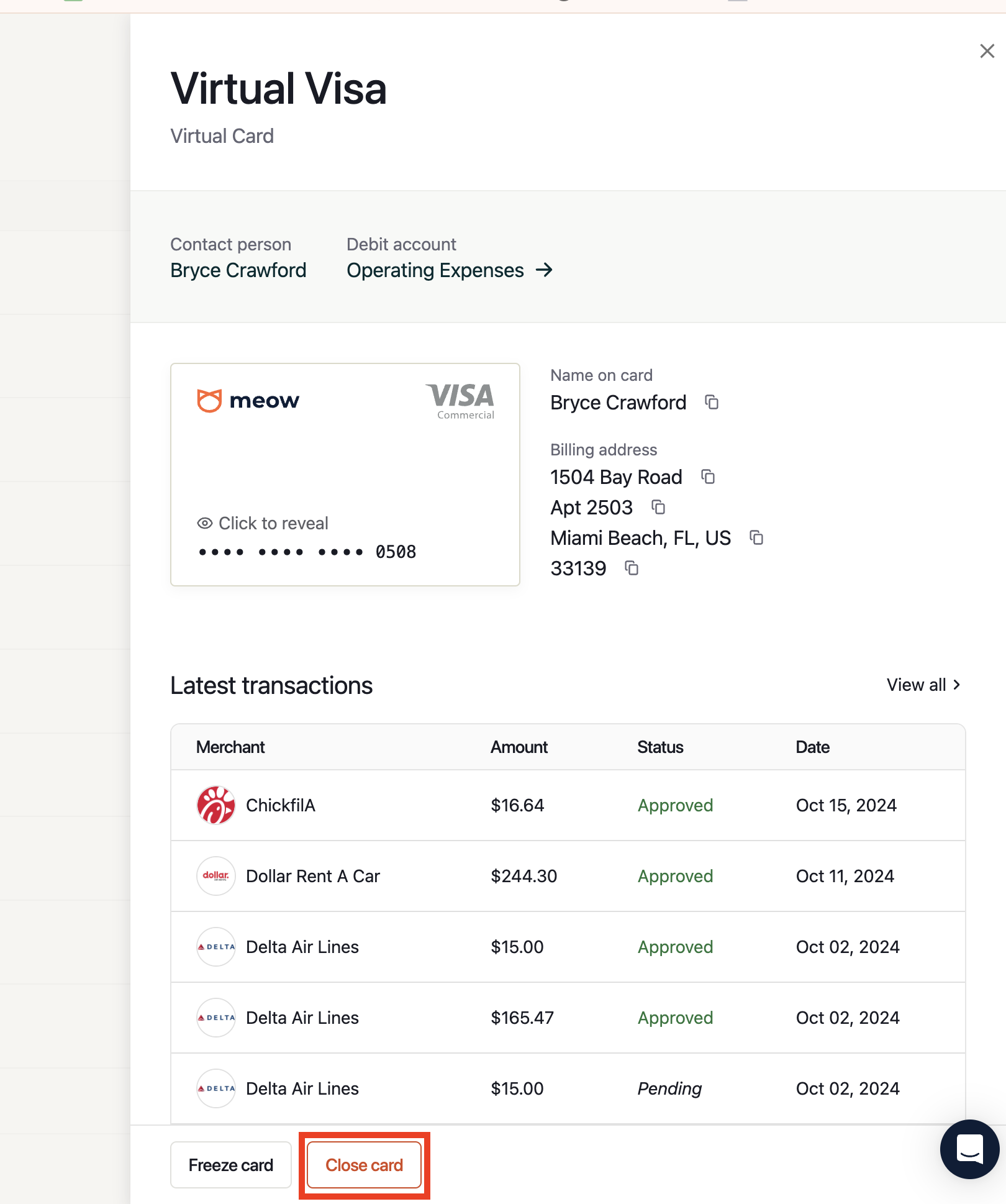
Find and click on the card you want to cancel.
In the panel that opens, click Close card at the bottom right.
Closing a card is permanent and cannot be undone. Any pending transactions on the card will still process. If you want to temporarily stop a card from being used without closing it permanently, use the Freeze card button instead — the card can be unfrozen at any time from the same panel.